
The Inuvika OVD Enterprise Desktop Client: Bridging Infrastructure and User Access
The Inuvika OVD Enterprise desktop client download is the user-facing component of a comprehensive virtual desktop solution. While much of the value in a virtual desktop platform resides in backend infrastructure, the desktop client is where users actually interact with their virtual environment. A well-designed desktop client makes the virtual desktop experience invisible, delivering responsive performance, intuitive interfaces, and seamless access to applications regardless of endpoint device.
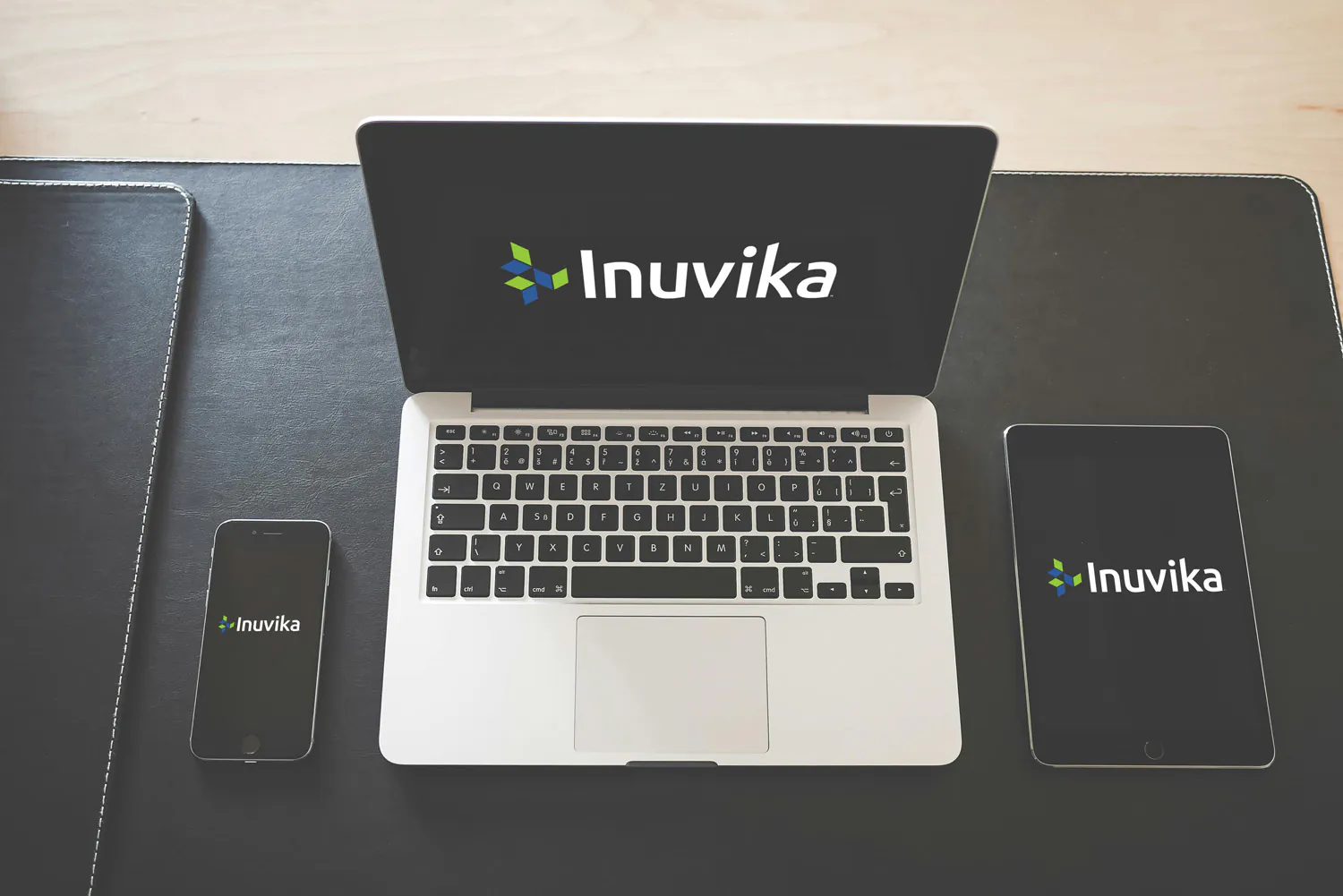
The Inuvika OVD Enterprise desktop client is built to support the cross-platform accessibility that defines modern virtual desktop infrastructure. Rather than forcing users into specific device types or operating systems, the desktop client enables productivity across the devices employees actually use: Windows PCs, Mac computers, Linux workstations, Chromebooks, tablets, and phones. This device flexibility removes barriers to remote work and enables organizations to support diverse employee preferences and device ecosystems.
The desktop client download process itself reflects a broader organizational commitment: making virtual desktop access simple and straightforward for IT teams managing deployments and end-users connecting to their virtual environments.
Section 1: Cross-Platform Device Support in the Inuvika OVD Enterprise Desktop Client
Organizations evaluating the Inuvika OVD Enterprise desktop client download frequently ask about device compatibility. Employees work from various devices, and the virtual desktop solution must accommodate this reality without compromising security or performance.
The Inuvika OVD Enterprise desktop client supports a broad range of device types and operating systems. This includes Windows systems ranging from modern devices to repurposed legacy hardware, Mac computers across current and recent versions, Linux workstations, Chromebooks for organizations moving toward cost-effective endpoint devices, and mobile devices including tablets and smartphones running Android and iOS.
This cross-platform support is intentional. The broader the device support, the more flexible organizations become in supporting distributed workforces. Rather than requiring organizations to standardize on specific device types, the Inuvika OVD Enterprise desktop client allows employees to connect from the devices available to them, whether corporate-provided or personal devices in bring-your-own-device (BYOD) scenarios.
Supporting diverse devices extends hardware investment lifespan. Organizations can maintain productive workspaces on Chromebooks, repurposed thin clients, and lower-cost devices that would be considered obsolete in traditional PC-centric environments. This eliminates constant refresh cycles that drive hardware budgets and reduces environmental impact.
Section 2: Key Features and User Experience in the Desktop Client
The Inuvika OVD Enterprise desktop client download provides several features designed to ensure responsive, productive user experience across diverse network conditions and device types.
The desktop client incorporates USB redirection, allowing users to connect peripheral devices such as printers, scanners, and external storage to their virtual desktop as though the devices were directly attached. This capability is essential for specialized workflows requiring hardware integration.
Video streaming optimization ensures that video content displays responsively and consumes bandwidth efficiently, even across variable network connections. Users watching training videos, participating in video conferences, or accessing media content experience quality comparable to local playback.
The desktop client includes native support for modern collaboration tools, particularly Microsoft Teams and Zoom. Video conferencing, screen sharing, and real-time collaboration operate smoothly through the virtual desktop connection without special configuration or workarounds.
These features collectively ensure that the Inuvika OVD Enterprise desktop client download provides a user experience that feels native rather than mediated. Users access their virtual desktop and applications with responsiveness and capability comparable to local systems.
Section 3: Security Integration in the Desktop Client
The Inuvika OVD Enterprise desktop client operates within a comprehensive security architecture that protects organizational data and users regardless of endpoint location or device type.
The desktop client connects through the Inuvika OVD Enterprise Enterprise Secure Gateway, which provides direct, authenticated access with multi-factor authentication (2FA) and encryption protecting the connection. This architecture means that users connecting through the Inuvika OVD Enterprise desktop client from home networks, coffee shops, or other remote locations connect through secured channels that protect both the user and organizational data. Every access is validated and encryption is maintained throughout the session.
Organizations deploying the Inuvika OVD Enterprise desktop client download gain granular control over resource access. Users can only access resources explicitly authorized for them through the Inuvika platform, and administrators maintain clear visibility into which users access which resources.
For organizations requiring enhanced endpoint security, Inuvika offers ResoluteOS, a purpose-built thin client operating system that provides additional security hardening. ResoluteOS completely locks down access on thin clients to only connect to Inuvika OVD Enterprise, preventing users from accessing other applications, services, or networks. This approach is particularly valuable for organizations managing highly sensitive data or operating in regulated industries where restricting endpoint functionality provides additional assurance that users can only access authorized resources through the virtual desktop platform.
Section 4: Getting Started With the Inuvika OVD Enterprise Desktop Client
Organizations ready to implement Inuvika OVD Enterprise typically begin with infrastructure planning, followed by administrative console configuration, then user deployment through desktop client downloads.
IT administrators configure the Inuvika OVD Enterprise management infrastructure and define user access policies through the unified web-based administration console. This configuration occurs once and applies across all subsequent user connections, regardless of endpoint device type.
Users then download the Inuvika OVD Enterprise desktop client appropriate for their device type. The client software is lightweight and designed for rapid installation, allowing users to connect to their virtual desktops with minimal setup time. After installation, users authenticate to the platform and gain access to applications and desktops configured by administrators.
The process is designed to be straightforward for both IT teams managing deployments and end-users connecting for the first time. Rather than complex configuration requirements or specialized knowledge, the desktop client download and deployment process is accessible to organizations of varying IT sophistication.
Conclusion: The Inuvika OVD Enterprise Desktop Client as Part of Comprehensive Virtual Desktop Infrastructure
The Inuvika OVD Enterprise desktop client download is the visible component of a comprehensive virtual desktop platform. While backend infrastructure, management interfaces, and security architecture do the heavy lifting, the desktop client is where users experience the benefits or constraints of those underlying systems.
A well-designed desktop client like Inuvika OVD Enterprise reflects careful attention to user experience, broad device support, and security integration. Rather than forcing users into specific workflows or device choices, the desktop client enables flexibility while maintaining security and performance.
Organizations deploying the Inuvika OVD Enterprise desktop client download gain more than just a connection mechanism. They gain part of a complete virtual desktop solution designed around cost efficiency, operational simplicity, and user flexibility. Organizations requiring enhanced endpoint security can combine the desktop client with ResoluteOS for maximum control and security assurance.
To evaluate how the Inuvika OVD Enterprise desktop client could improve your organization’s virtual desktop experience, explore a free trial of Inuvika OVD Enterprise today.
 English
  Español
  Français
  Deutsch
  Português do Brasil